
OPEN
OrientDig Spreadsheet, from find to parcel
Browse a find, check the seller, and understand which choices stay open as your order moves through OrientDig.
Browse the catalogue above, or start from the category wall below. We are an OrientDig partner and earn a fee on orders placed through our links; nothing on this page is written by them.
OPEN
Choose a product category
Start with a category, save the seller link, and read the order steps before committing to a purchase.
16 categories
No category matches. Try a broader word or clear the filter.
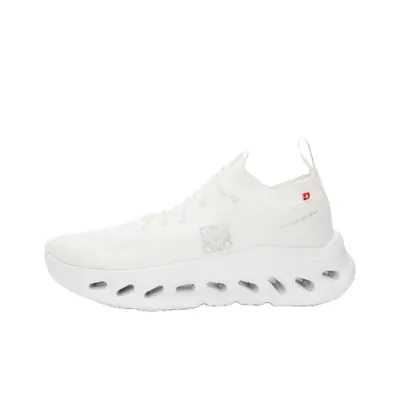 SneakersNew pairs have to reach the warehouse with their tags uncut.
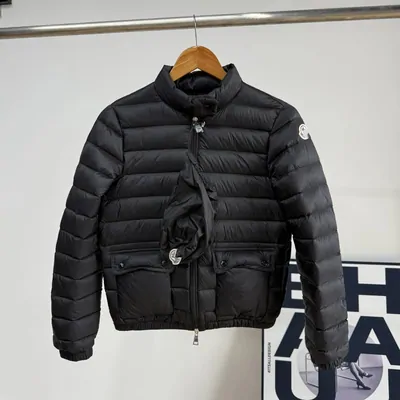 Jackets & CoatsDown is bulky, so the volumetric weight is the number worth checking.
 HoodiesHeavy cotton is cheap to buy and expensive to send.
 T-ShirtsLight enough that several in one parcel barely move the freight.
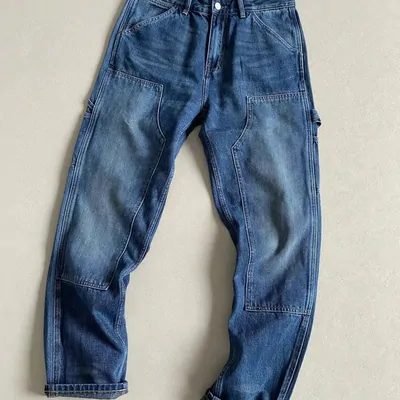 JeansAsk for the flat measurement before you pay, not the tag size.
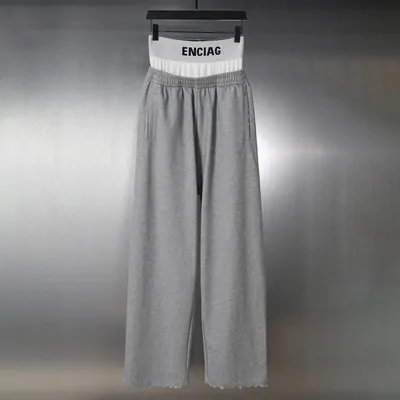 SweatpantsWaistbands are the usual reason a size turns out wrong.
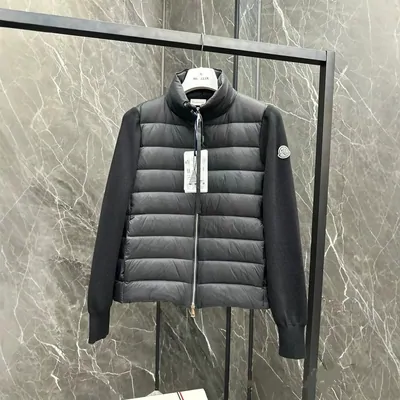 WomenswearThere is no separate womenswear shelf, so this one runs on a keyword.
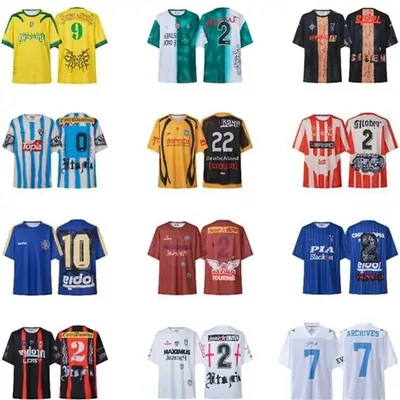 JerseysA name and number makes it a custom order, and custom is excluded from returns.
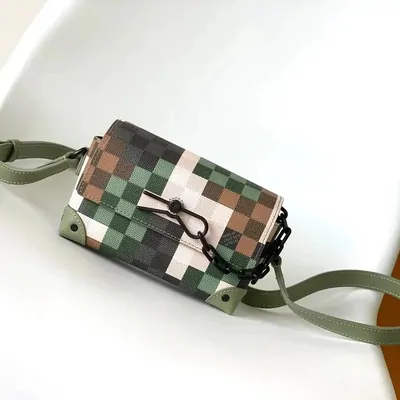 BagsHardware and lining are the parts a photo set is worth booking for.
 HatsSmall and light, so it is the easy thing to add to a parcel you already have.
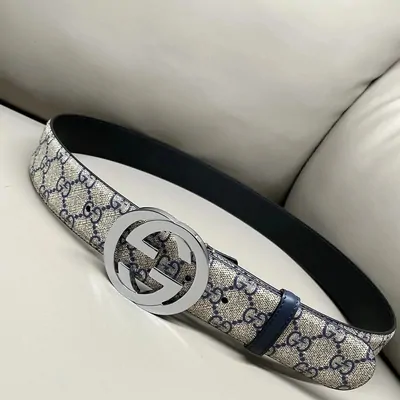 BeltsBuckle style and strap length are decided before submission, not after.
 EyewearGlass counts as fragile, and fragile damage is the buyer side of the ledger.
 PerfumeLiquids are the category most worth reading against the mailing rules first.
 JewelleryPrecious metals appear by name on the prohibited items statement.
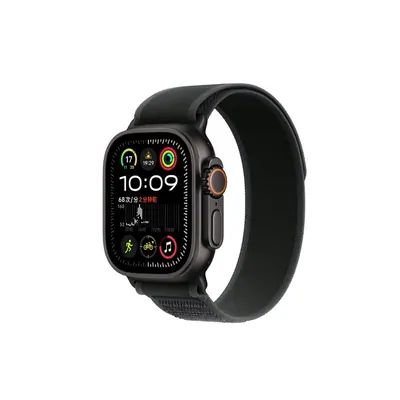 WatchesAnything with a battery falls under the sensitive goods rule.
 ElectronicsNothing gets switched on during inspection, so condition is the seller word.
OPEN
What the OrientDig Spreadsheet is, in one line
It is a catalogue of product links that other shoppers have already ordered, sorted so you can browse by category instead of hunting through chat logs. You open a card, you get the original seller listing, and from there OrientDig is the service that actually buys it, stores it, and posts it to you. The catalogue never touches your money. The agent does.
Which means the catalogue is the easy half. Every link in it resolves to one of a handful of Chinese selling platforms, and the agent accepts a link from any of them through the same box:

Scroll the screenshot to inspect each field.
View full-size imageSo the question was never which platform a find came from. It is what happens to that link after you paste it, and which of your choices stop being choices along the way. That is what the rest of this site is about.
If you want the short version first, the category page explains how to read the catalogue, and before you pay covers the part that costs money to get wrong.
LOCKS
Four states, and what each one still lets you do
An order is not one event. It is four states, and your room to change things shrinks at each handover. This is the summary; the full version, with the response windows OrientDig publishes for each state, is on before you pay.
Nothing has been bought yet
Your money is with the agent, not the seller. This is the widest the door ever gets, and it is the only state where cancelling is routine rather than a favour.
The seller has been paid
Cancelling now means asking a third party to agree. Size, colour and any note you wanted on the item are fixed from here.
It is moving inside China
Nobody can inspect it, change it or stop it. The only useful thing to do in this state is decide what you want photographed when it lands.
It is in the warehouse
Now you can see it, and now the clock on returning it starts. Everything you declare and every line you pick is chosen from here on.
The pattern is worth saying out loud: the further the parcel travels, the less of it is still yours to decide. Almost everything this site nags you about happens in the first state, because that is the only one where the fix is free.
OPEN
Your side of it
Where your own copy of all this lives
None of the states above are something you have to track yourself. The account area on the official site carries them, one line per order, and the same sidebar carries the parcel once the goods are in the warehouse.
It is worth opening once before you order rather than after. The sections you will actually use are the order list, the warehouse, and the address book, and the address book is the one people forget until a parcel is waiting on it.
Everything this site describes can be checked there against your own order, which is the point. We are reading the same screens you are.
- OrdersRead the current order status.
- WarehouseReview stored items and photos.
- Address bookConfirm the delivery address.
Screen from the OrientDig account area, read on 2026-09-22. Open the help centre for the current version.
FACT
What each page here is for
Ten pages, each answering one question you would otherwise find out by getting it wrong. In rough order of how much a mistake costs:
The catalogue, and how to read it
What a Spreadsheet site is actually good for, how to judge one before you trust its links, and the sixteen categories in full. Read the catalogue page.
The order form, and the fields that lock
The four ways a product reaches your cart, what the remark box is for, and the seven things that submitting the form counts as agreeing to. Read before you pay.
What is allowed to leave the country
Restricted and prohibited goods, the packing standards that decide whether an item is accepted at all, and how long the warehouse holds it. Read what can ship.
Sellers, and the agent in between
The seller test OrientDig puts in writing, what the agent does and does not verify, and how to read a service by what it commits to. Read sellers and agent.
Money, currency and the second bill
Why an order is paid in two parts, what the exchange rate applies to, and what customs now charges on a parcel into the UK or the EU. Read paying.
The words on the screen
QC, GL, RL, batch names and version numbers: which of them are measurements and which are somebody selling you something. Read the terms.
LOCKED
The one thing to do before you order anything
Estimate the international shipping before you place the order, not after.
OrientDig says this itself, in the page about returning things: "We suggest that you estimate the international shipping fee before placing the order." The same page explains why it matters. If the freight turns out to be more than you expected, the return route exists, but it is not free: the return service fee is $0.75 USD, and, in their words, "Even if the seller offered free shipping at the time of purchase, you will be responsible for paying the shipping fee for the first dispatch during a return."
So the escape hatch has a price on it, and the price is charged in the one situation people most often need it. The fix costs nothing and takes a minute: work out the freight while the item is still a link, not once it is a box in a warehouse with a clock on it.
Quoted from the official promised-returns terms, read on 2026-09-22. Read the original.