
OPEN
Browsing the OrientDig Spreadsheet by category
Sixteen shelves, a few thousand links, and one thing the whole catalogue is incapable of telling you. This page covers all three, starting with how the browsing actually works.
Every category below opens the live catalogue. The notes are ours; the listings are not.
OPEN
A catalogue of links, not a shop
The thing to understand first is that nothing in this catalogue is for sale here. Each card is a pointer to a listing on a Chinese selling platform, collected because somebody already ordered it and it turned up. You browse by category, you open the card, and what you get is the seller page itself, in Chinese, priced in CNY, with the seller rules that apply to that seller and nobody else.
That is the whole trick, and it is also the whole limitation. A catalogue can tell you what exists and where it was bought. It cannot tell you whether that seller still has it, whether the price moved, or whether the last person who ordered it was happy. Those are questions for the listing, not the list.
From the catalogue the route forward is a search box or a paste field. The keyword route is the one people use when they know roughly what they want but not who sells it:

Scroll the screenshot to inspect each field.
View full-size imageBoth routes end in the same order form, and the order form is where the decisions start costing money. If you already know what you want, skip ahead to before you pay; the fields that matter are all on that page.
OPEN
The sixteen shelves in full
These are the categories the catalogue is sorted into. The note under each one is the thing about that category that tends to surprise people once the order is already placed, which is a more useful thing to know than what the category contains.
Fifteen of them open a folder. Womenswear runs a keyword search instead, because there is no separate womenswear shelf to open.
16 categories
No category matches. Try a broader word or clear the filter.
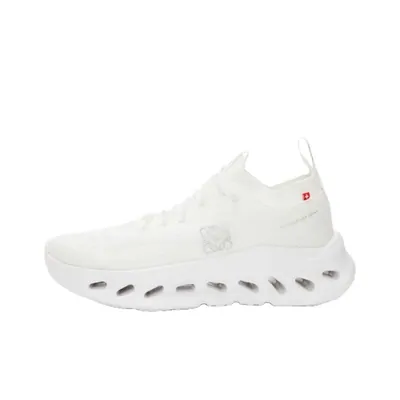 SneakersNew pairs have to reach the warehouse with their tags uncut.
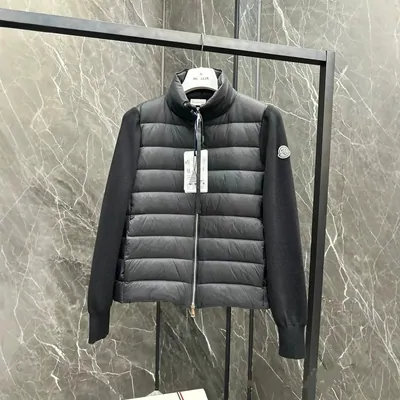
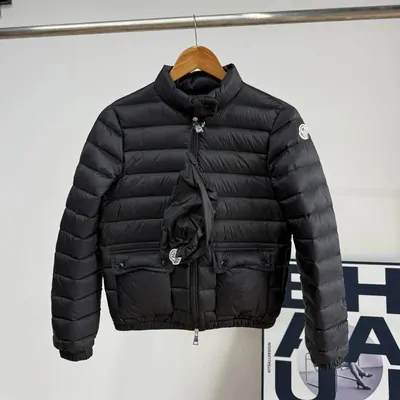 Jackets & CoatsDown is bulky, so the volumetric weight is the number worth checking.
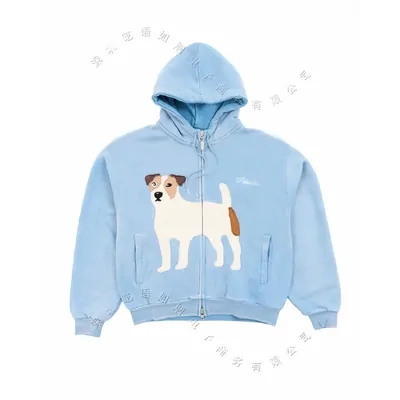 HoodiesHeavy cotton is cheap to buy and expensive to send.
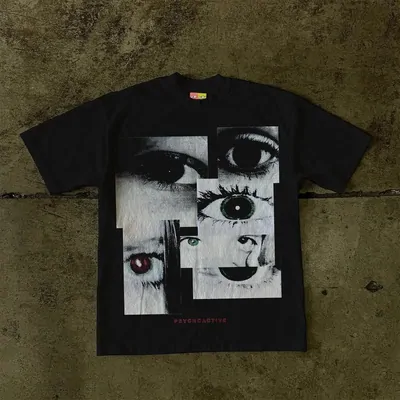 T-ShirtsLight enough that several in one parcel barely move the freight.
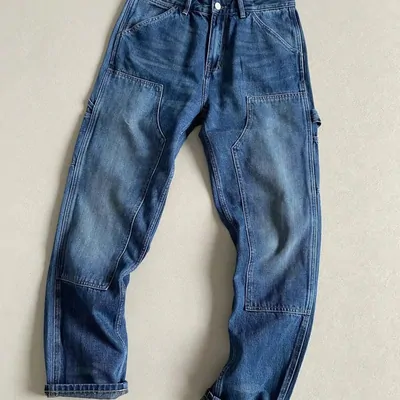 JeansAsk for the flat measurement before you pay, not the tag size.
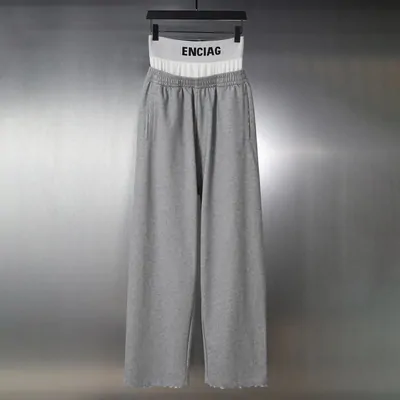 SweatpantsWaistbands are the usual reason a size turns out wrong.
 WomenswearThere is no separate womenswear shelf, so this one runs on a keyword.
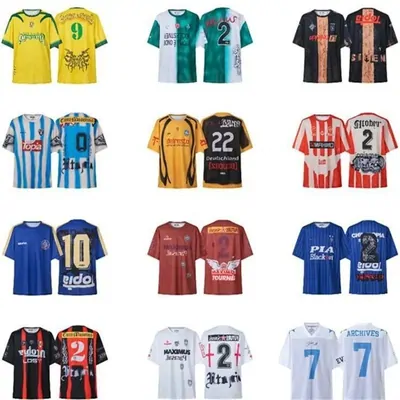 JerseysA name and number makes it a custom order, and custom is excluded from returns.
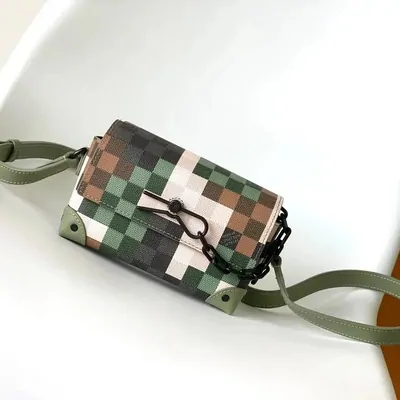 BagsHardware and lining are the parts a photo set is worth booking for.
 HatsSmall and light, so it is the easy thing to add to a parcel you already have.
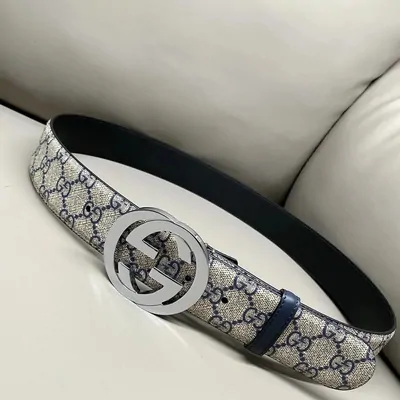 BeltsBuckle style and strap length are decided before submission, not after.
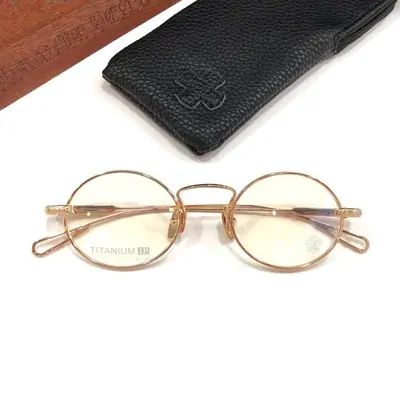 EyewearGlass counts as fragile, and fragile damage is the buyer side of the ledger.
 PerfumeLiquids are the category most worth reading against the mailing rules first.
 JewelleryPrecious metals appear by name on the prohibited items statement.
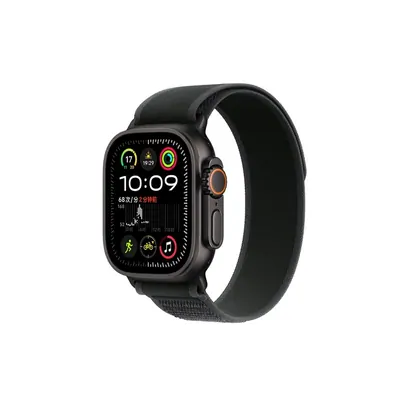 WatchesAnything with a battery falls under the sensitive goods rule.
 ElectronicsNothing gets switched on during inspection, so condition is the seller word.
FACT
Judging a Spreadsheet site before you trust its links
Catalogues like this one are easy to make and easy to abandon, so it is worth knowing what makes a good Spreadsheet site before you follow anything out of one. Five checks, in the order they take the least effort:
Do the links actually open
The single most common failure is a catalogue full of dead listings, because sellers close listings constantly and nobody went back to check. Open three cards at random. If two of them are gone, the rest of the site is decoration.
Does it say who runs it
A named operator and a working contact address is the minimum. If there is no way to tell anyone that a link is broken, nobody is going to fix the link.
Does it tell you what it earns
Almost every site in this space earns a referral fee, including this one. That is fine. A site that hides it while writing that one agent is the best choice is telling you something about the rest of its advice.
Does it separate the catalogue from the agent
The catalogue finds things. The agent buys, stores and ships them. A site that blurs the two will eventually tell you the catalogue guarantees something, and the catalogue guarantees nothing.
Does it quote or does it assert
Service rules, return windows and restricted goods all change. A site that quotes the official page and dates the quote can be checked. A site that just states a number cannot, and the number is usually old.
This site applies its own five checks: every outbound link here was opened on 2026-09-22, the operator is named in the footer, and the referral relationship is disclosed on the about page.
OPEN
Where the links come from, and why it matters less than you think
Cards in the catalogue resolve to a handful of Chinese platforms. People treat this as a big deal, and it mostly is not: the agent accepts a link from any of them through the same field, and the order form that follows is identical.

Scroll the screenshot to inspect each field.
View full-size imageThe picture button beside them is the one people miss. It takes an image rather than a link, which is the route for a find you have seen photographed and never seen named.
What does differ is the seller, and sellers differ far more than platforms do. A careful seller on a platform with a poor reputation will serve you better than a careless one on a good platform, which is why the checks on the sellers page are about the shop and not about the logo above it.
The one real exception is a listing with no supported platform behind it at all. There is a manual route for that, and it puts more of the description on you; it is covered under the four ways an item reaches your cart on before you pay.
LOCKED
What a link list can never tell you
A catalogue records that something was bought once. It does not record what arrived.
This matters most for the part of the market this site is named after. Batch codes, version numbers and grade labels travel with a link as though they were measurements, and they are not: they are the seller describing their own goods. The agent does not verify them, does not contradict them, and has never claimed to.
So a catalogue entry is evidence that a seller shipped something to somebody. It is not evidence about quality, and no amount of browsing will turn it into that. What you can do is set your expectation before you pay rather than after, which is the argument on the terms page.